How to Create Animation Videos Like Zack D Films in 2026
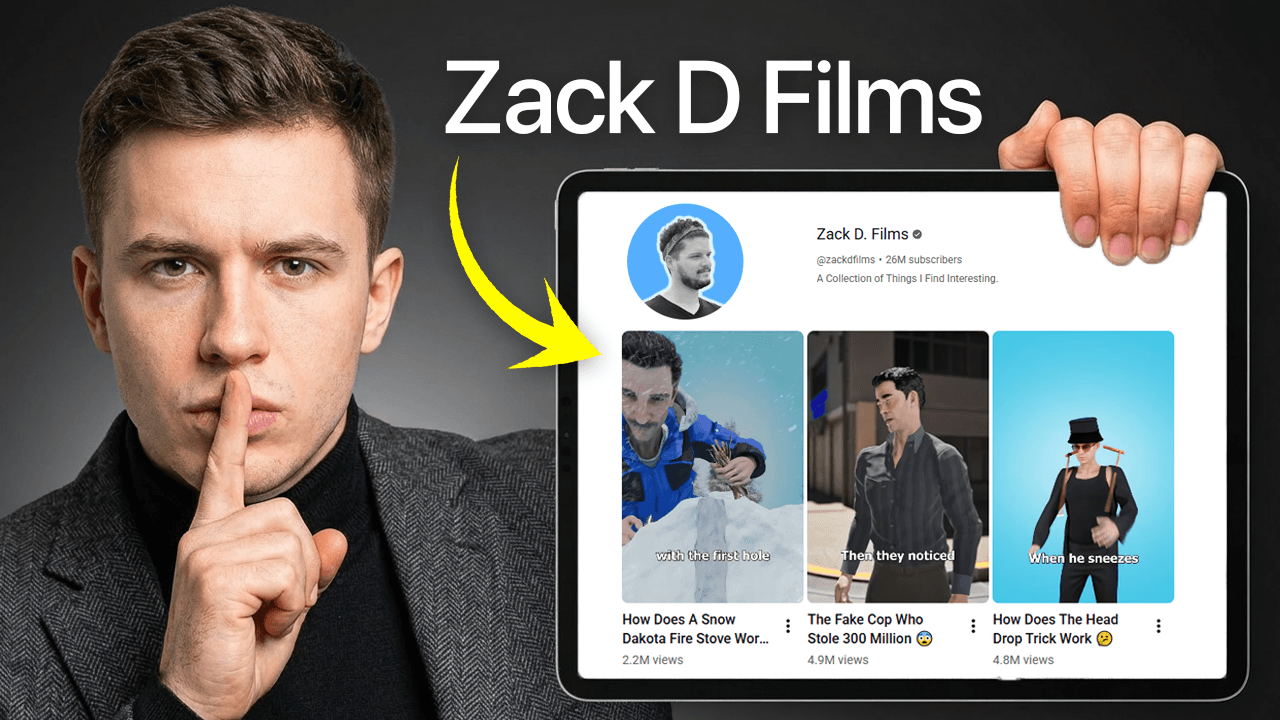
Short, punchy, fast-paced animated explainers have taken over social media — and Zack D Films is the gold standard. In 2026, you don't need a studio or years of animation experience to recreate that style. You just need the right tool.
Who Is Zack D Films — and Why Does Everyone Love His Style?
If you've spent any time on YouTube Shorts, Instagram Reels, or TikTok, you've almost certainly stumbled across a Zack D Films video. The format is unmistakable: bold animated characters, rapid-fire narration, clean background environments, and a storytelling pace that hooks you in the first three seconds.
What makes the style so effective?
- Simplified character designs that are expressive without being complex
- Dynamic camera movements — zooms, pans, and cuts that keep energy high
- Short scenes that each carry one clear idea
- Consistent visual language across every video, building a recognizable brand
For years, replicating this look required Adobe Animate, After Effects, a team of animators, and weeks of production time. In 2026, that's no longer the case.
The Problem with Traditional Animation Workflows
Even with all the AI tools available today, creating Zack D Films-style content the traditional way is still painfully slow:
- Writing scripts and storyboards takes days
- Sourcing or designing characters eats up hours
- Rigging and animating frame by frame is a full-time job
- Rendering and exporting is a technical nightmare
Most creators give up before they even publish their first video. There had to be a better way — and now there is.
Introducing Snaplama: Your Shortcut to Viral Animation
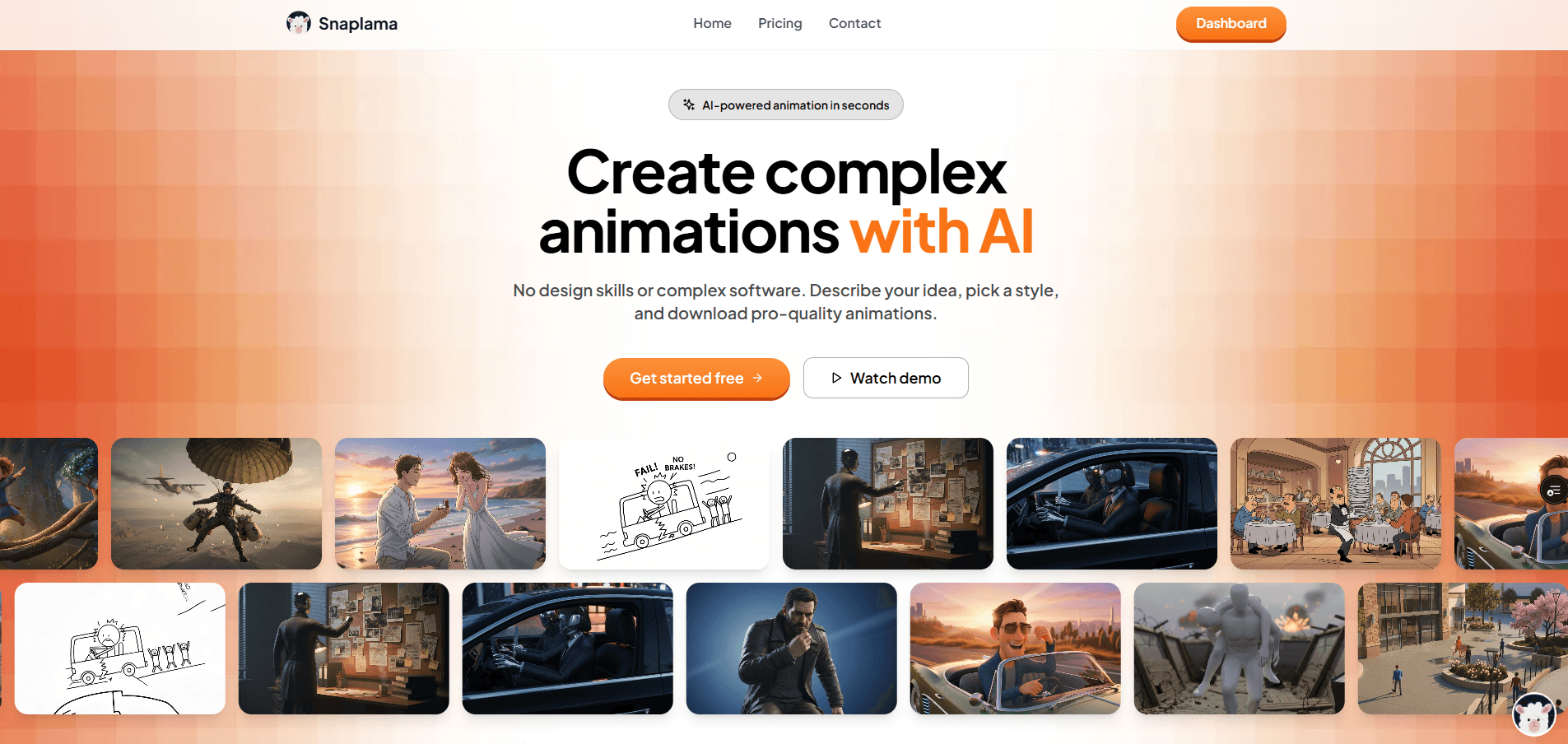
Snaplama is an AI-powered animation video platform built specifically for creators who want to produce high-quality, stylized animated content — fast. Whether you're a solo content creator, a marketer, or an educator, Snaplama removes every technical barrier between your idea and a finished animation.
Here's exactly how it works.
Step-by-Step: Creating a Zack D Films-Style Video on Snaplama
Step 1 — Choose the Zack D Films Template

When you open Snaplama, you're greeted with a library of animation style templates. Each template captures the visual identity of a specific creator or animation aesthetic.
Select the Zack D Films template and you instantly get access to:
- The signature character art style
- The color palette and background design language
- The typography and motion feel that defines his videos
You're not starting from scratch — you're starting from a proven, viral formula.
Step 2 — Write Your Scene Prompt
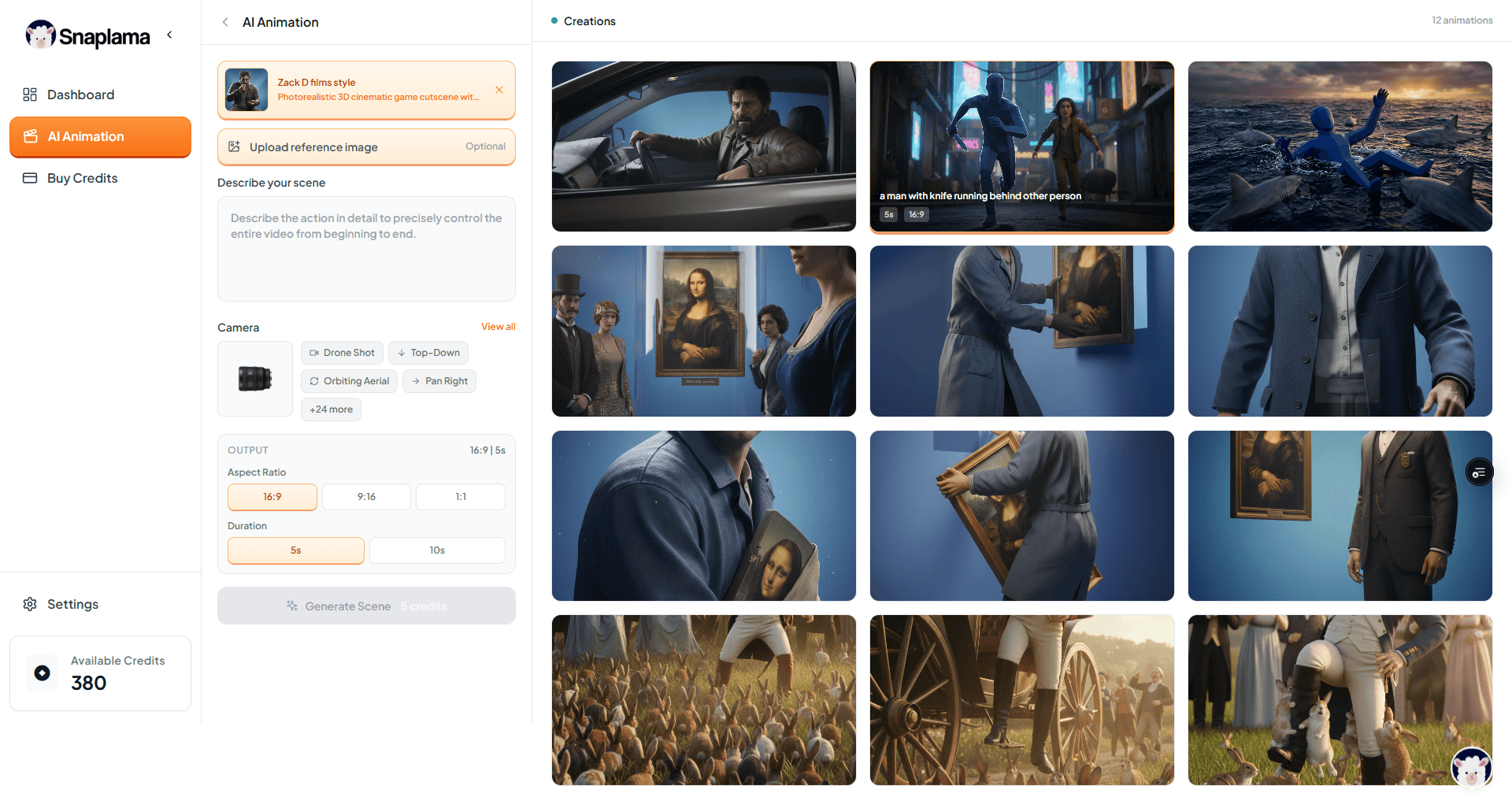
Once you've selected your template, it's time to bring your idea to life. Type a prompt describing what you want to happen in your scene.
For example:
"A scientist discovers a glowing artifact buried deep underground. He picks it up and it starts pulsing with blue light."
Snaplama's AI interprets your prompt and generates the scene in the style of your chosen template — characters, environment, and all. The more descriptive your prompt, the more precisely the output matches your vision.
Pro tip: Be specific about emotions, actions, and environment. "A man walks" is vague. "A nervous man in a lab coat cautiously approaches a dark doorway" gives the AI so much more to work with.
Step 3 — Upload a Reference Image (Optional)
Want to anchor your scene to a specific visual? Snaplama lets you upload a reference image to guide the AI's output. This is perfect for:
- Matching a character to a real person or existing design
- Recreating a specific environment or setting
- Ensuring visual consistency across multiple scenes in a series
Simply upload your image alongside your prompt, and Snaplama blends your reference with the chosen animation style to produce something that feels both familiar and original.
Step 4 — Choose Your Camera Movement
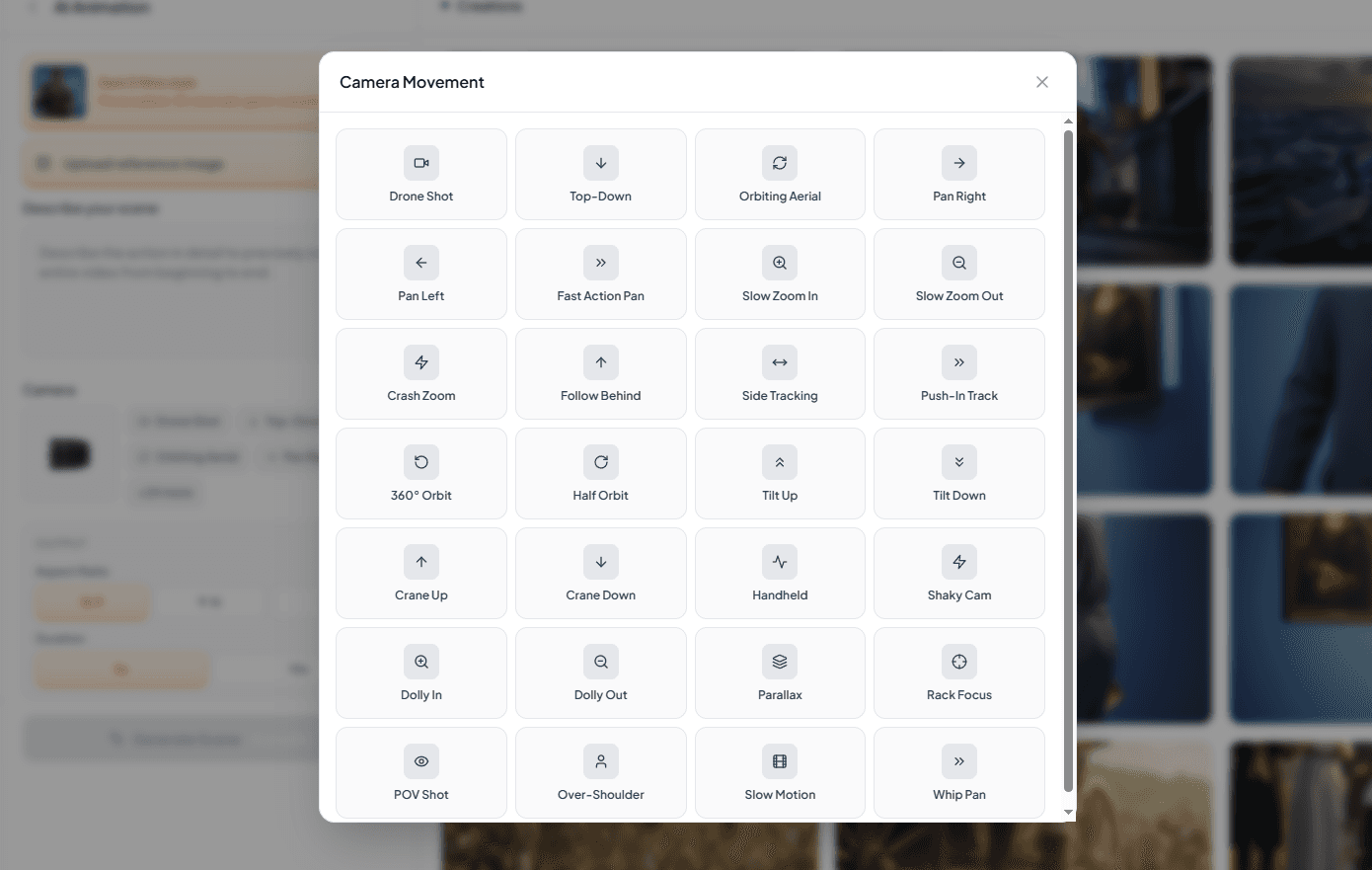
This is where Snaplama truly sets itself apart. Most AI video tools give you a static shot or a single generic movement. Snaplama gives you 30 distinct camera movements to choose from, including:
| Movement Type | Effect |
|---|---|
| Slow Zoom In | Builds tension or emphasis |
| Zoom Out Reveal | Great for establishing shots |
| Pan Left / Pan Right | Follows action across a scene |
| Whip Pan | Fast, energetic transition feel |
| Dolly Push | Cinematic forward movement |
| Orbit / Arc Shot | Dramatic 3D character reveal |
| Tilt Up / Tilt Down | Reveals scale or environment |
| Handheld Shake | Adds urgency or chaos |
| Dutch Angle | Creates unease or suspense |
| Static Lock-Off | Clean, editorial feel |
The right camera movement transforms a good scene into a great one. Zack D Films is as famous for his editing energy as he is for his art — now you have the same toolkit.
Step 5 — Set Your Aspect Ratio
Snaplama supports all major aspect ratios so your video is optimized for whatever platform you're publishing on:
- 9:16 — TikTok, Instagram Reels, YouTube Shorts
- 16:9 — YouTube long-form, LinkedIn, website embeds
- 1:1 — Instagram feed, Facebook posts
Pick the format that fits your distribution strategy before you generate — this ensures every element is perfectly framed for your audience.
Step 6 — Select Your Duration
Finally, choose how long your scene runs. Snaplama lets you dial in the exact duration to match your pacing needs — whether you're crafting a 3-second hook, a 15-second story beat, or a longer scene for a full explainer video.
Once your settings are locked in, hit generate — and watch your idea become a fully animated, camera-directed, style-matched video scene in seconds.
Why Snaplama Is the Best Way to Create This Style in 2026
| Feature | Traditional Animation | Other AI Tools | Snaplama |
|---|---|---|---|
| Zack D Films Style Template | ❌ Build from scratch | ❌ Generic styles only | ✅ Ready to use |
| Custom Scene Prompts | ✅ Manual | ✅ Basic | ✅ Advanced AI |
| Reference Image Upload | ✅ Manual | ⚠️ Limited | ✅ Built-in |
| Camera Movement Control | ✅ Manual | ❌ Mostly static | ✅ 30 options |
| Multi-Platform Aspect Ratios | ✅ Manual export | ⚠️ Limited | ✅ One-click |
| Speed | Weeks | Hours | Minutes |
| Skill Required | Expert | Intermediate | None |
Who Should Use Snaplama?
Content Creators — Post more consistently without burning out on production. Generate scenes for your Shorts or Reels in minutes, not days.
Educators & Explainer Video Makers — Break down complex topics with engaging animated visuals that hold attention from start to finish.
Marketers & Brand Teams — Produce scroll-stopping animated ads and social content without hiring an animation studio.
Podcasters & Newsletter Writers — Repurpose your written content into animated video summaries that reach a whole new audience.
Aspiring YouTubers — Launch your animated channel without animation skills. The only thing you need is a good story.
Final Thoughts
Zack D Films didn't build his audience by accident. He built it with a consistent, high-energy visual style, smart storytelling, and relentless output. The good news? In 2026, you have access to the exact same visual toolkit — without the years of learning, the expensive software, or the production team.
Snaplama puts the Zack D Films style in your hands in six simple steps:
- Pick the template
- Write your scene prompt
- Upload a reference image (optional)
- Choose from 30 camera movements
- Set your aspect ratio
- Set your duration — and generate
Your animated video is ready before your coffee gets cold.
Ready to create your first scene? Head over to Snaplama and start for free today.
Tags: animation videos, Zack D Films style, AI animation tool, how to make animated videos, Snaplama, short form video, YouTube Shorts animation, AI video generator 2026
Create complex AI Animations
Turn your ideas into professional animated videos with Snaplama. No design skills or studio required—just describe your scene and export in minutes.